Account Support
Select your situation and we'll help you out.
Your Account
View my account info
Check your User ID, username, email and account details.
Log in with email
I have an account with email and password.
Log in with User ID
I only have my Custom ID (User ID) from the game.
I lost my account (no purchases)
I never bought gems in Dating Killmulator.
I had an account with email
I registered with an email address and want to recover my password.
I only had a User ID (no email)
I lost my User ID and never registered with email. I need to create a new account.
Unfortunately, accounts without email or purchases cannot be recovered. However, you can create a new account with email and password after completing a short quiz about Dating Killmulator 1.
What did you name your character?
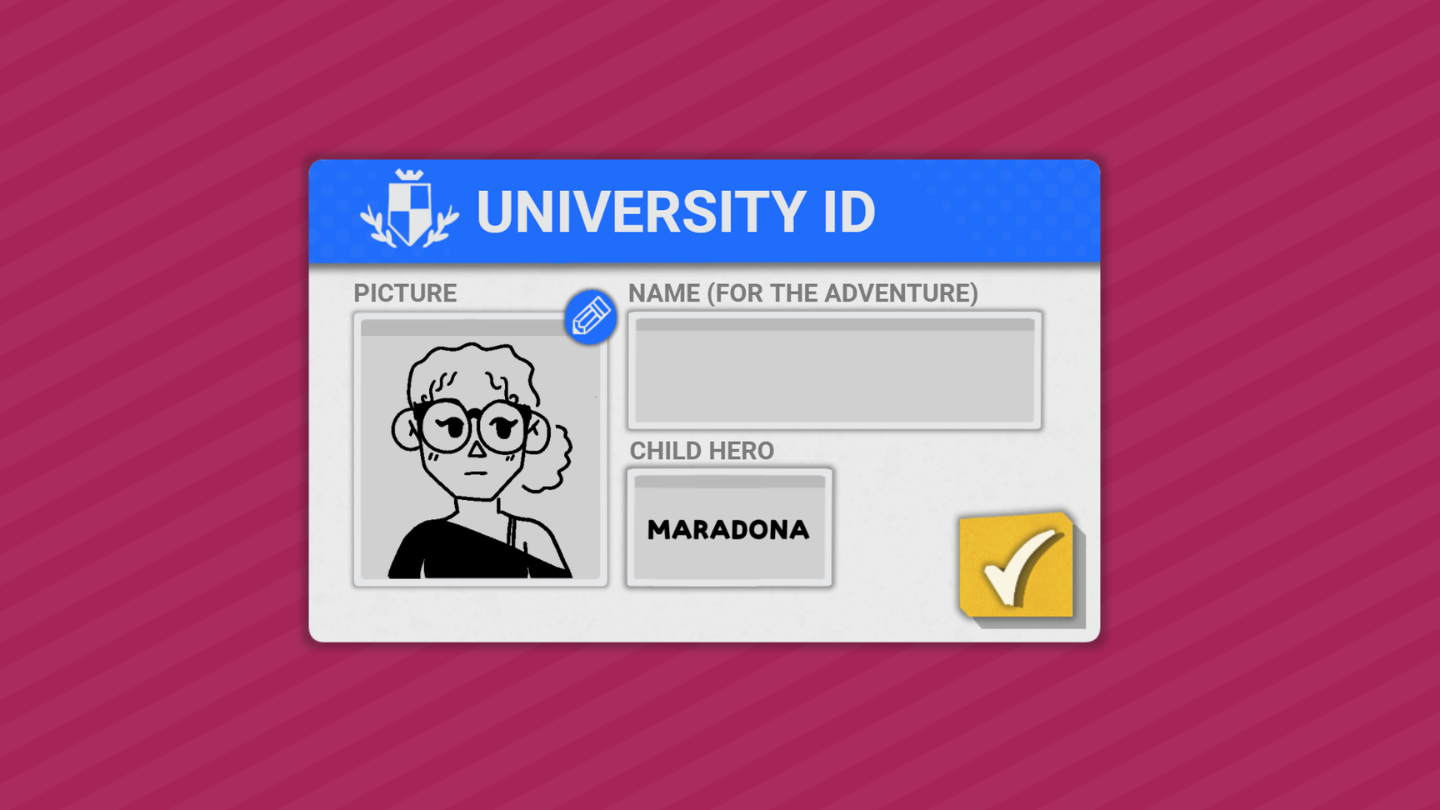
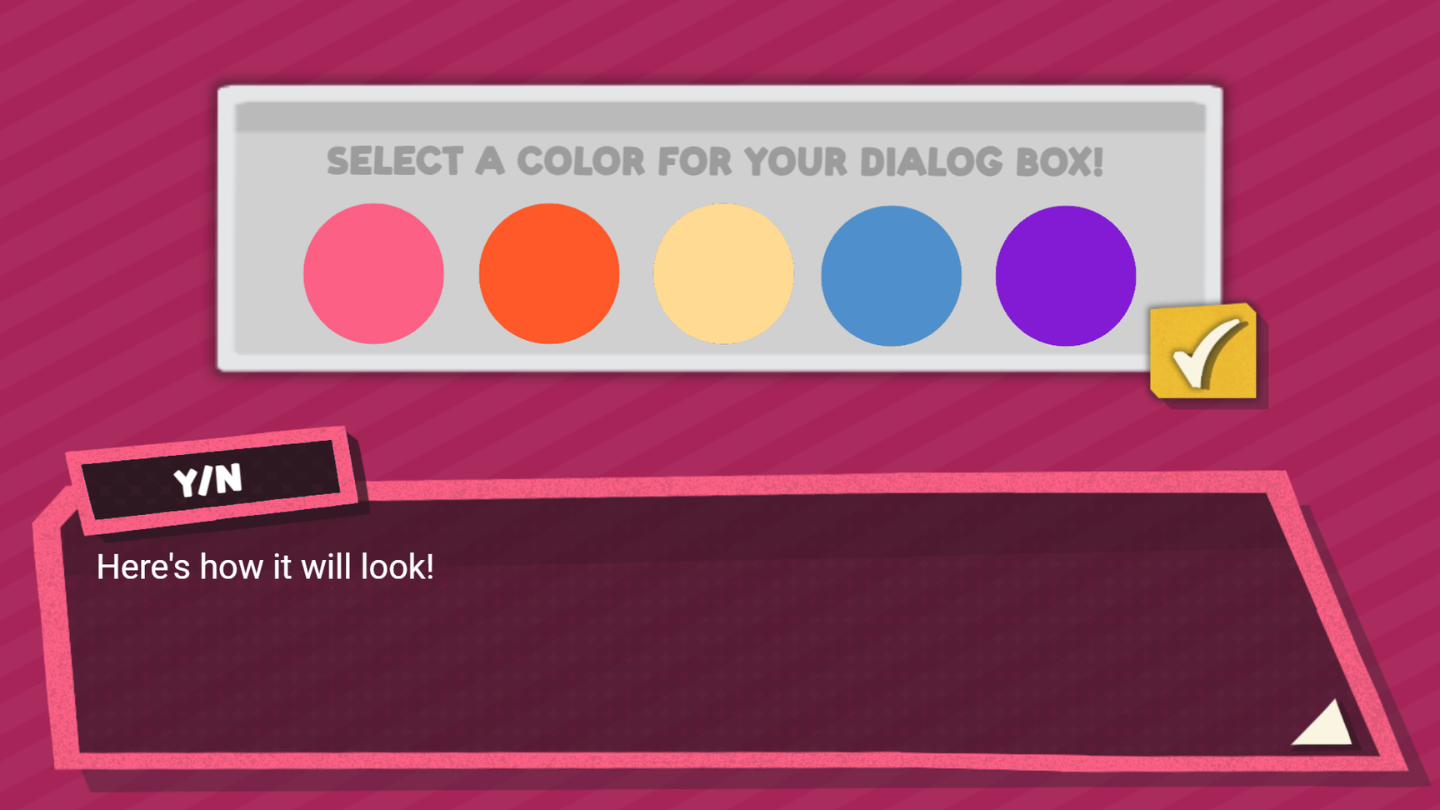
Color of your character bar?
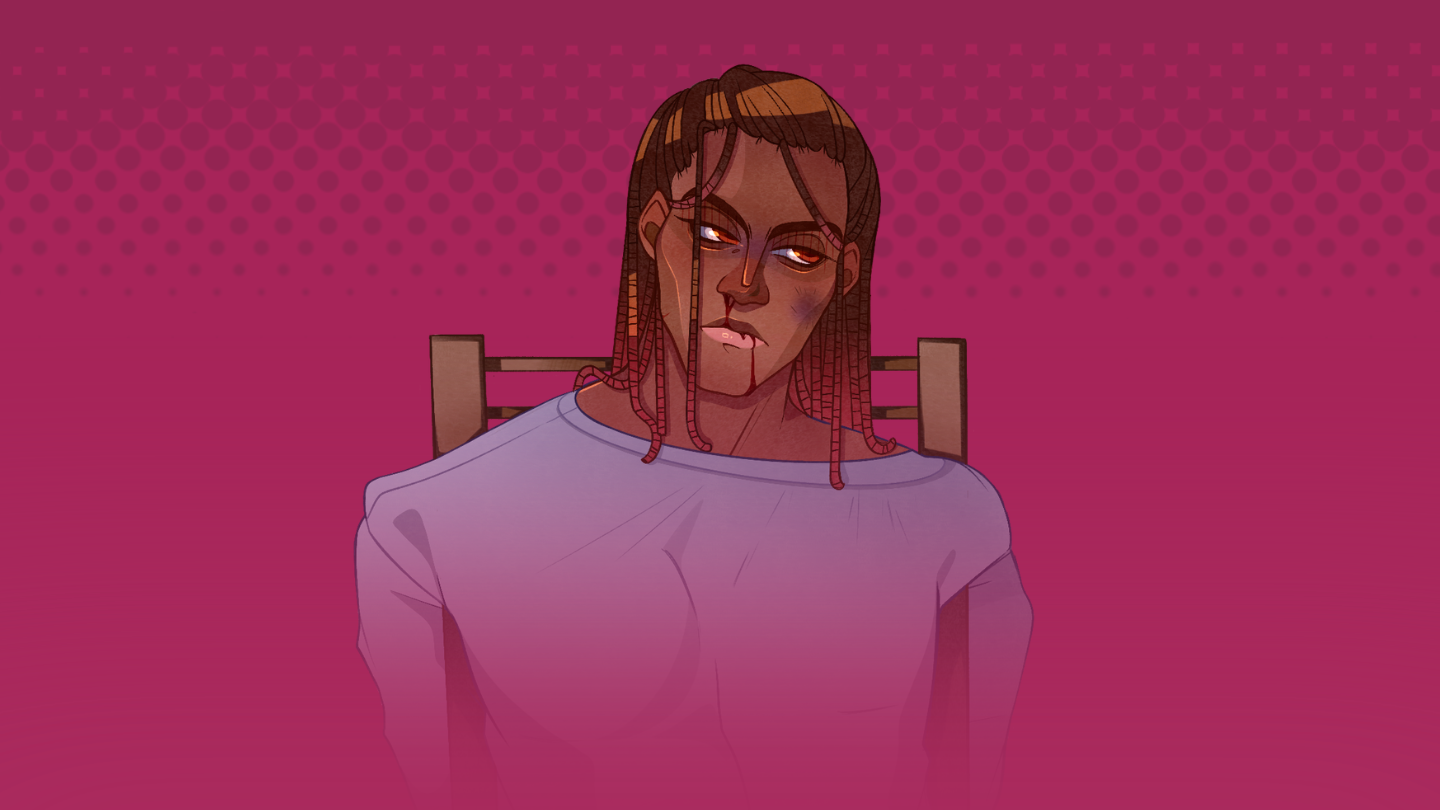
Did you kill Caleb?
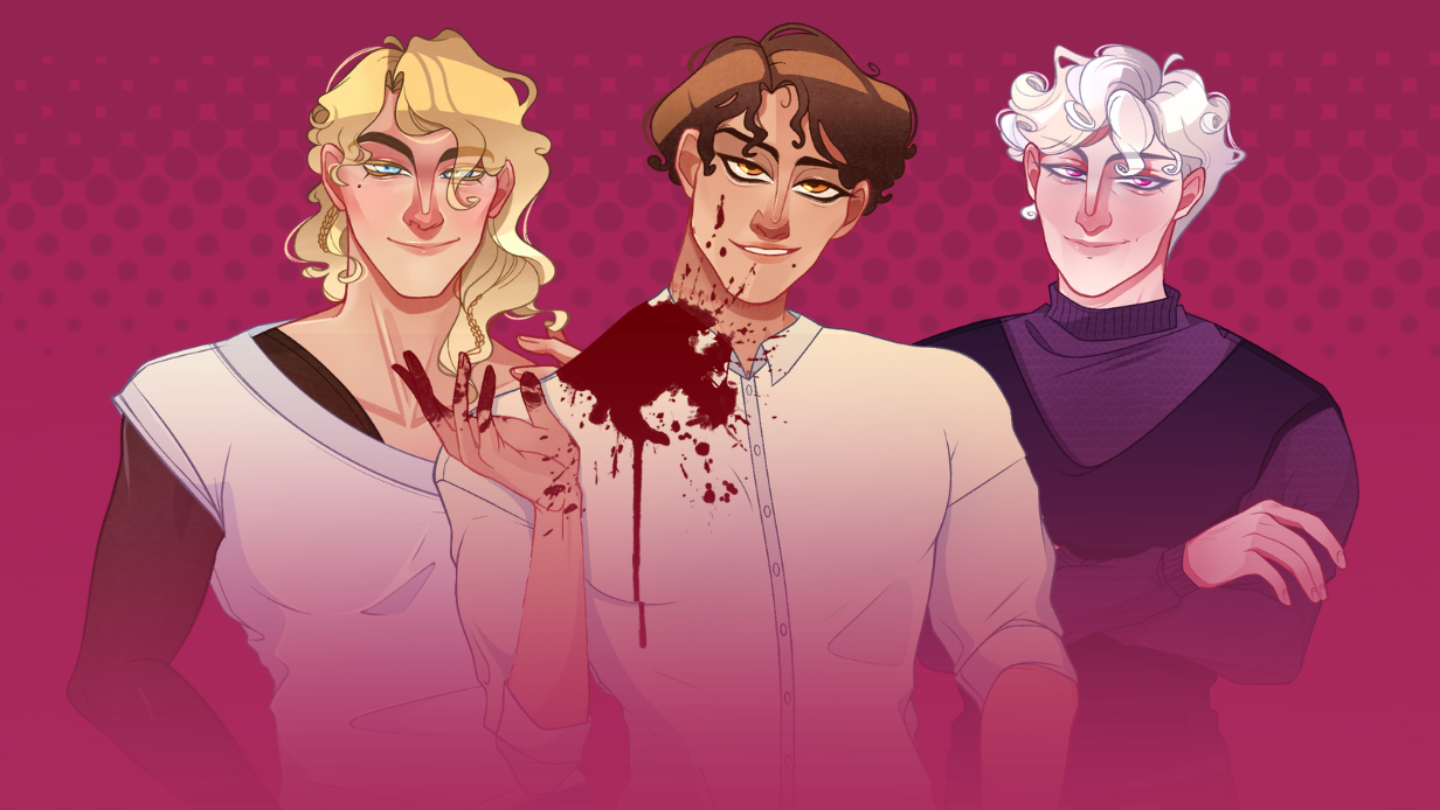
What Main did you choose?
I lost my account (I bought gems)
I purchased gems before and need to recover my account.
Please provide the email you used to purchase gems. We will contact you with your account information.
Convert my User ID to an email account
Link your existing User ID to an email and password.
Enter your Custom ID (User ID) from the game. We'll log into your account and let you set an email and password so you never lose access again.
Create an account only for Season 2NEW
New player? Create an account to play Dating Killmulator 2.
Answer a short quiz about Dating Killmulator 1 and create your account with email and password. You'll be able to use it in Dating Killmulator 2.
What did you name your character?
Color of your character bar?
Did you kill Caleb?
What Main did you choose?
Change my account email
Move your account to a different email address.
First, log in with your current email and password to verify the account is yours. Then enter the new email and we'll process the change and confirm it by email within 24-48 hours.
Purchases & Patreon
I paid but didn't receive my purchaseNEW
Gems or items missing after a successful payment.
Give us your User ID and, if you have it, the transaction ID from your receipt (Xsolla / PayPal email). We'll check the payment and credit the items to your account manually if needed.
Patreon problemsNEW
Subscription not showing in-game, perks or decisions not working.
First, make sure the Patreon account linked in the game's store is the same one with the active subscription. If it still doesn't work, tell us your User ID and your Patreon email and we'll fix it.
Help & Troubleshooting
How can I get my User ID?
Find your ID inside the game.
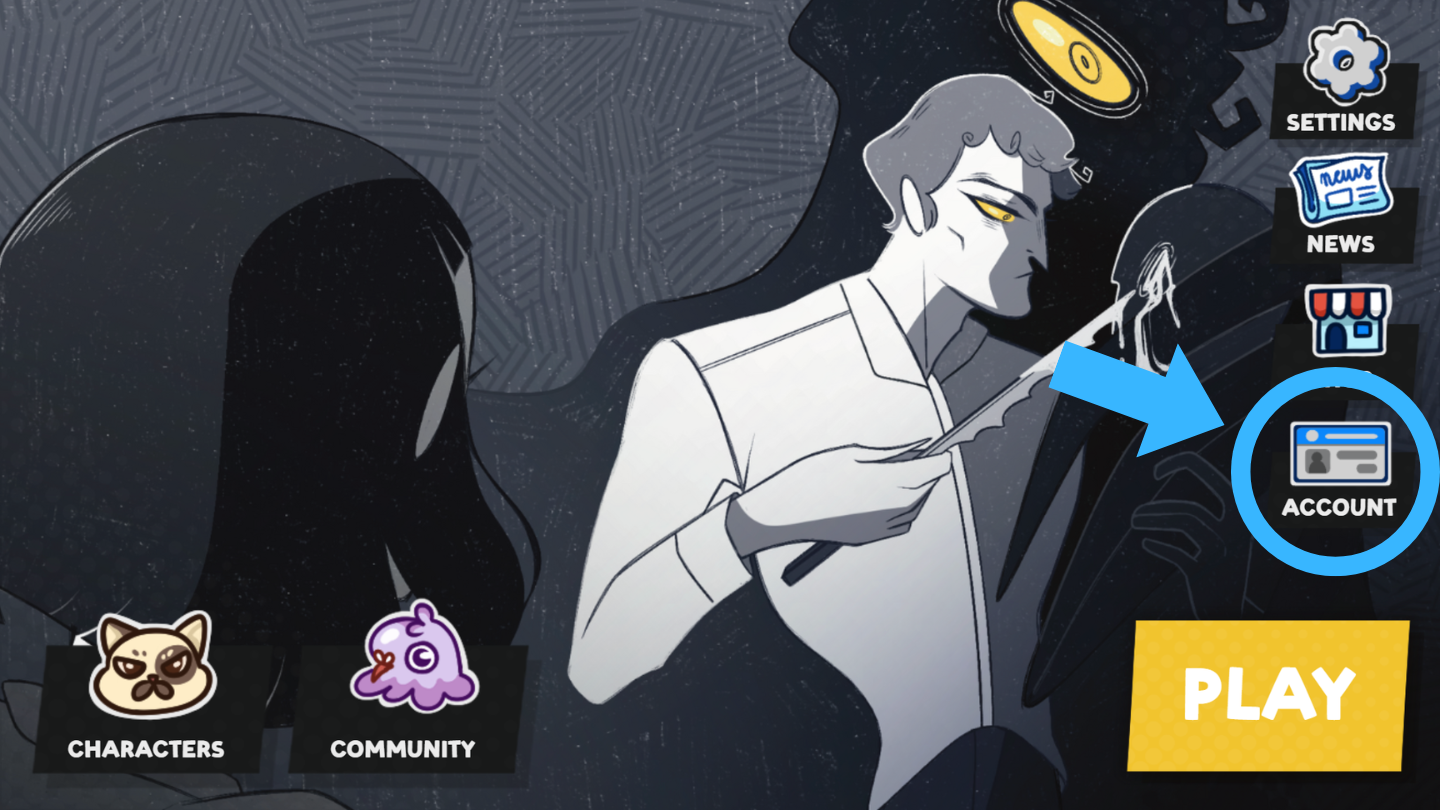
Go into Dating Killmulator 1 or 2. Click on the “Account Tab”.
Click under the character profile.
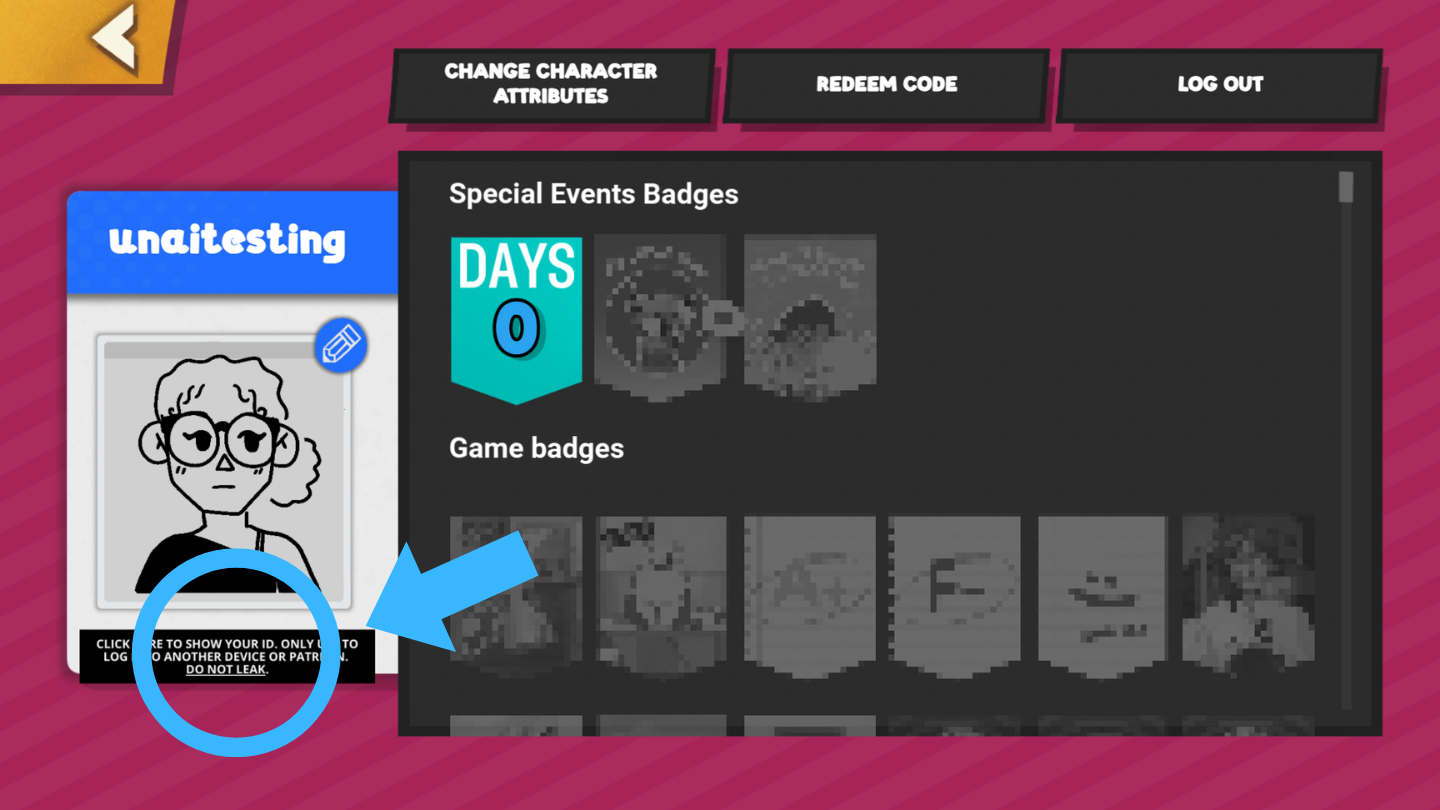
If the ID doesn't appear or is blank, check the FAQ card — it's usually an ad-blocker or connection issue.
Frequently Asked Questions
Quick fixes for the most common problems.
My User ID doesn't appear / the Account Tab is blank.
This usually means the game couldn't reach the server. Disable ad-blockers, tracker blocking and VPN (they can block the game's servers), allow cookies, then refresh. If it still doesn't show, create an account with email on this page and log in with it in both games.
The game says “No response from the server” or “Something went wrong” when I register or log in.
It's almost always an ad-blocker, VPN, firewall or network blocking the connection. Try another browser or network, or create your account directly from this page instead (the “I lost my account” or “Season 2” cards) — then just log in with email in the game.
The screen flickers or some characters/buttons are invisible.
Enable hardware acceleration in your browser, update your browser and graphics drivers, set zoom to 100% and close other tabs. On mobile, update the system and try another browser. If it only happens in one chapter, tell us via “My problem is not in the list” with the chapter number.
My choices from Dating Killmulator 1 carried over wrong to DK2.
Contact us via “My problem is not in the list” with your User ID and which choices are wrong (e.g. main character, Caleb) — we can fix them manually on your account.
I didn't receive the recovery email.
Check your spam/junk folder and wait a few minutes. Make sure you entered the exact email you registered with. If it still doesn't arrive, contact us.
How long does support take to reply?
We usually reply within 24-48 hours. Requests that include your User ID or purchase email are resolved faster.
Is my password safe on this page?
Yes. Your credentials are sent directly to PlayFab (the game's servers) over a secure connection. We never see or store your password.